|
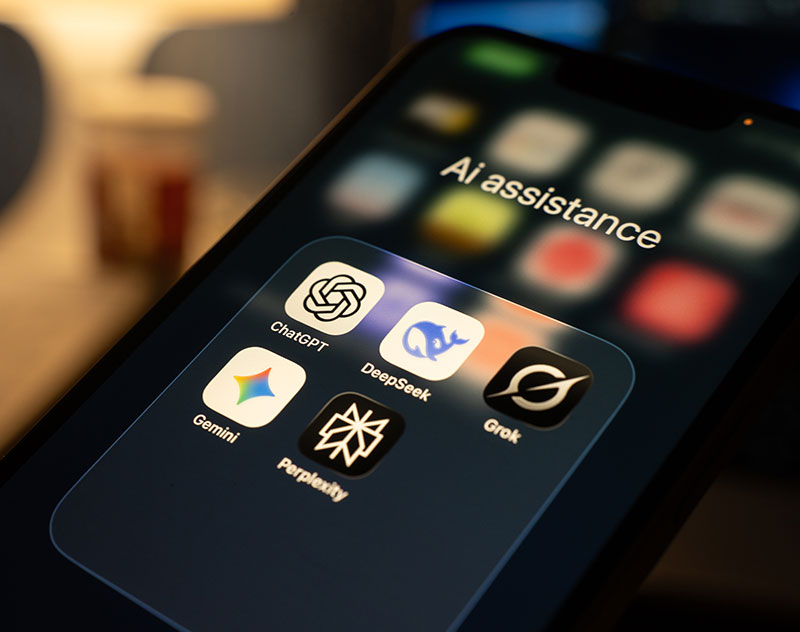
The best AI apps can help streamline work and simplify everyday tasks. But which ones are right for you? Discover the strengths of the most popular models to make an informed choice.
AI assistant apps have exploded in capability and popularity over the past few years, with many people now using them on a daily basis to improve productivity in various areas. Today’s tools are smarter, more specialized, and often integrated into the platforms you might already use. Whether you’re researching complex topics, drafting content, or trying to get more organized, let’s take a look at which AI apps could work as the best digital sidekick for you.
ChatGPT – Best Conversationalist
ChatGPT stands out as a great all-purpose assistant that offers a natural conversational style. It works well across a broad range of tasks, from simply getting answers to your questions to brainstorming and drafting emails and creative content. ChatGPT can also help explain complex ideas, assist with problem-solving, and act as a writing or image-creation partner. Conversations feel fluid and flexible, and the app can support text, voice, and image-based input.
Gemini – Best Google Assistant
When working in the Google ecosystem, there’s no better digital sidekick than Gemini. This AI integrates smoothly with tools like Gmail, Google Docs and Sheets, making it easy and natural to use without it feeling like your workflow is being interrupted. Gemini is especially useful for drafting documents, dealing with emails, or providing quick insights into files you are working with. This assistant’s voice capabilities also make hands-free interaction feel easy and natural.
Microsoft Copilot – Best Microsoft Assistant
If, on the other hand, you spend most of your workday in the Microsoft 365 suite, then Microsoft Copilot is built for you. Like Gemini, instead of functioning as a standalone chatbot, it works directly inside tools like Word, Excel, Outlook, and Teams. This seamless integration allows users to generate drafts, analyze data, and summarize meetings all in one platform. Copilot is particularly effective for structured and task-oriented work like creating reports and streamlining repetitive writing.
Claude – Best for Long-form Writing (and Privacy)
When what you need from an AI assistant is help with deep thinking and long-form documents, Claude is likely the best choice. While a tool like ChatGPT is more suitable for a quicker back-and-forth, Claude is known for long-form writing, deep analysis, and extended conversations. It handles large documents smoothly and maintains coherence across longer drafts, making it ideal for essays and reports. Claude also stands out in terms of privacy and limited data retention. Users must opt in to have their chats used as training data.
Perplexity – Best for Research
As useful as they can be, AI tools still have issues with accuracy and may sometimes provide answers that are misleading or completely false. If you need answers that you can trust, then Perplexity is the best choice. Rather than offering purely generative responses, this tool offers information backed up by reliable sources, allowing users to verify the details. It’s like a conversational search engine for students, writers, and professionals who want the efficiency of AI without sacrificing accuracy and credibility.
Grok – Best for Real-Time Insights
Grok is a strong option for users who want quick access to up-to-date information. Closely integrated with the X platform, it is especially useful for tracking trending topics, breaking news, and public conversations as they unfold. Grok can summarize discussions, provide context around current events, and analyze posts in real time. For users who prioritize live information and cultural awareness, it offers a fast and responsive experience.
Sources
|